Quick Start
Four-step process overview for using extensions
Pigsty provides 451 extensions, covering 16 major categories including time-series, geospatial, vector, full-text search, analytics, and feature enhancements, ready to use out-of-the-box.
Using extensions in Pigsty involves four core steps: Download, Install, Config/Load, and Create.
pg-meta:
  hosts: { 10.10.10.10: { pg_seq: 1, pg_role: primary } }
  vars:
    pg_cluster: pg-meta
    pg_databases:
      - name: meta
        extensions: [ postgis, timescaledb, vector ]   # Create: Create extensions in database
    pg_libs: 'timescaledb, pg_stat_statements, auto_explain' # Config: Preload extension libraries
    pg_extensions: [ postgis, timescaledb, pgvector ]  # Install: Install extension packages
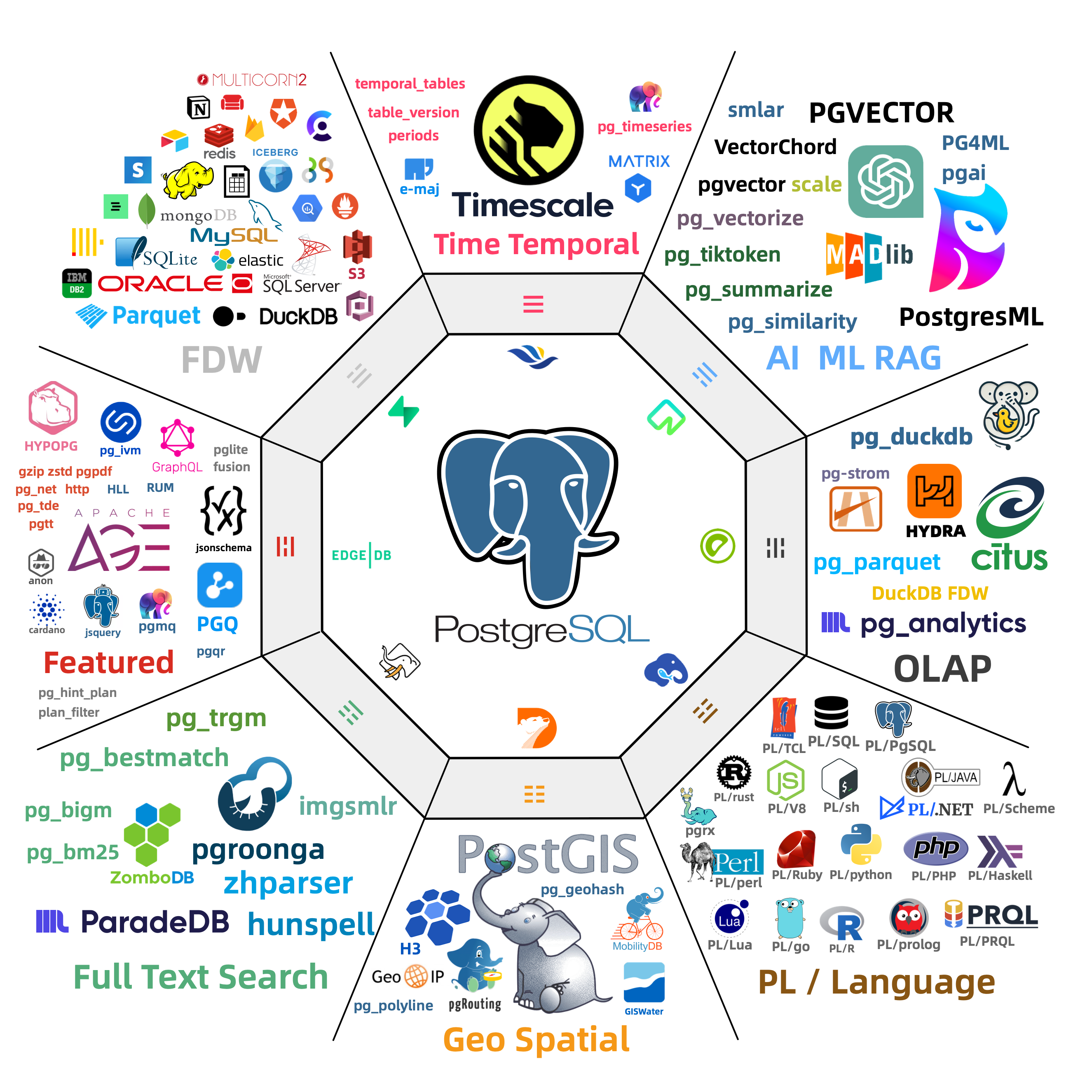
Four-step process overview for using extensions
Core concepts of PostgreSQL extensions and the Pigsty extension ecosystem
Extension package aliases and category naming conventions
Download extension packages from software repositories to local
Install extension packages on cluster nodes
Preload extension libraries and configure extension parameters
Create and enable extensions in databases
Upgrade PostgreSQL extension versions
Uninstall PostgreSQL extensions
PostgreSQL extensions installed by default in Pigsty
Pigsty extension software repository configuration
Was this page helpful?
Thanks for the feedback! Please let us know how we can improve.
Sorry to hear that. Please let us know how we can improve.