Supabase
Supabase — Build in a weekend, Scale to millions
Supabase is an open-source Firebase alternative that wraps PostgreSQL and provides authentication, out-of-the-box APIs, edge functions, real-time subscriptions, object storage, and vector embedding capabilities. This is a low-code all-in-one backend platform that lets you skip most backend development work, requiring only database design and frontend knowledge to quickly ship products!
Supabase’s motto is: “Build in a weekend, Scale to millions”. Indeed, Supabase is extremely cost-effective at small to micro scales (4c8g), like a cyber bodhisattva. — But when you really scale to millions of users — you should seriously consider self-hosting Supabase — whether for functionality, performance, or cost considerations.
Pigsty provides you with a complete one-click self-hosting solution for Supabase. Self-hosted Supabase enjoys full PostgreSQL monitoring, IaC, PITR, and high availability, and compared to Supabase cloud services, it provides up to 451 out-of-the-box PostgreSQL extensions and can more fully utilize the performance and cost advantages of modern hardware.
For the complete self-hosting tutorial, please refer to: Supabase Self-Hosting Guide
Quick Start
Pigsty’s default supa.yml configuration template defines a single-node Supabase.
First, use Pigsty’s standard installation process to install the MinIO and PostgreSQL instances required for Supabase:
 curl -fsSL https://repo.pigsty.io/get | bash
./bootstrap          # Environment check, install dependencies
./configure -c supa  # Important: modify passwords and other key info in config!
./deploy.yml         # Install Pigsty, deploy PGSQL and MINIO!
Before deploying Supabase, please modify the Supabase parameters in the pigsty.yml config file according to your actual situation (mainly passwords!)
Then, run docker.yml and app.yml to complete the remaining work and deploy Supabase containers:
./docker.yml       # Install Docker module
./app.yml          # Start Supabase stateless components!
For users in China, please configure appropriate Docker mirror sites or proxy servers to bypass GFW to pull DockerHub images. For professional subscriptions, we provide the ability to offline install Pigsty and Supabase without internet access.
Pigsty exposes web services through Nginx on the admin node/INFRA node by default. You can add DNS resolution for supa.pigsty pointing to this node locally,
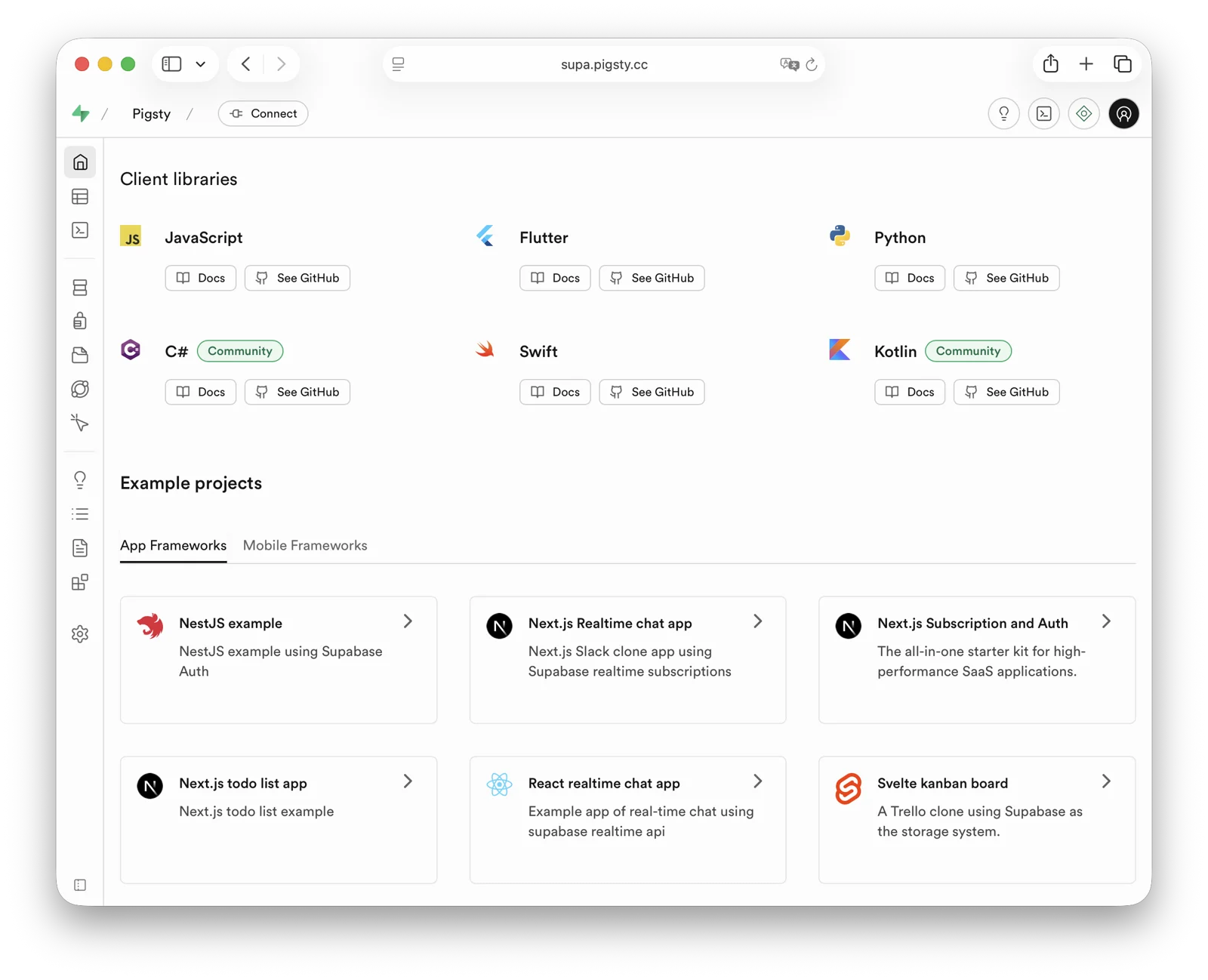
then access https://supa.pigsty through a browser to enter the Supabase Studio management interface.
Default username and password: supabase / pigsty
Feedback
Was this page helpful?
Thanks for the feedback! Please let us know how we can improve.
Sorry to hear that. Please let us know how we can improve.